
What Is Google Index? What Does It Offer?
Google index is Google crawling pages on the internet and saving them to its own huge database. As long as a page isn't added to this database, it never appears in search results. So being indexed is the prerequisite of SEO: first Google recognizes your page, then ranks it. Quickly indexed content helps you get traffic sooner, get ahead of competitors in breaking news, and make new product/service pages visible fast.
What does "Google index" mean? What does "getting indexed" mean?
"Google index" and "index" describe the same thing: the search engine crawling your page and adding it to its directory. "Getting indexed" is a URL entering this directory and becoming eligible to appear in Google searches. If a page isn't indexed, it returns no result in a site:yourdomain.com/page search. The Indexer tool is used precisely to speed up this process; to quickly send Google the signal "crawl this page and add it to the index."
How is site indexing done on Google?
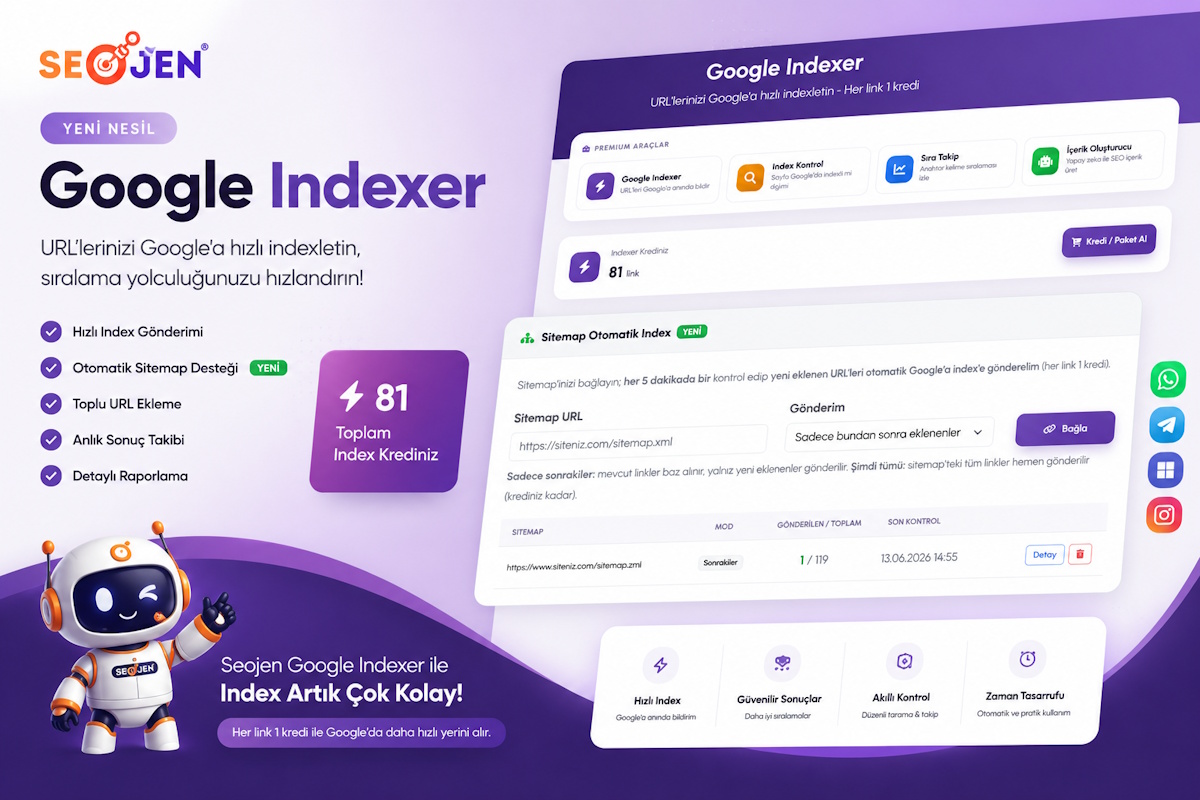
The basic ways to get a site indexed: (1) publish a correct sitemap.xml, (2) add the site to Google Search Console, (3) connect pages to each other with internal linking, and (4) notify indexing services of new/important URLs. With Seojen Google Indexer you automate this last step: you connect your sitemap, and every newly added page is submitted to the index automatically in the background — without doing it one by one.
Fast Indexing on Google
A new page can sometimes take a few hours, sometimes weeks to appear on Google. Fast indexing is triggering Google to crawl the page as soon as possible to shorten this wait. Especially for news sites, e-commerce product pages, and campaign pages, where time is critical, fast indexing provides a big advantage.
What should you do to get indexed fast?
- Keep your sitemap up to date and submit it to Search Console.
- Do internal linking: link to the new page from your home page or a strong page.
- Keep content original and valuable; weak content is indexed late or never.
- Use an indexing service: submit URLs directly to the index with Seojen Google Indexer.
How to get fast indexing on Google? (Ways)
In practice, the fastest method is to give your URLs to an indexing tool in bulk. Seojen Google Indexer offers two ways: (a) paste URLs manually and start a campaign with "submit now" or "spread over days"; (b) connect your sitemap and enable automatic submission in only newly added or all mode. In both methods you can track the submitted links and their status from the panel.
Asking Google to re-crawl your URLs
When you update a page, Google needs to re-crawl it to see the change. The "Inspect URL → Request indexing" feature in Search Console does this; but it's one by one and limited. If you have many updated URLs, you can re-submit them in bulk with Indexer and speed up Google's re-crawling process.
How to Check if a Google URL Is Indexed? (Index Search / Lookup)
The most practical way to find out whether a page is indexed is the site: command on Google: if you type site:yourdomain.com/page-address into the search bar, the page appears in results if it's indexed. Instead of checking one by one, with the Seojen Index Check tool you can query whether dozens of URLs are indexed on Google — and even their ranking position — all at once.
Is the Google API Paid? How to Get a Google API?
Google has an official Indexing API; but although it's free, using it requires technical knowledge (creating a Google Cloud project, creating a service account, authorizing in Search Console, quota management) and is officially recommended only for certain content types. For most site owners, this process is complex. Seojen Google Indexer handles all this technical setup for you — without dealing with API keys, quotas, or writing code, you just paste your URLs and submit them.
How Do I Make Google My Search Engine?
To make your browser's default search engine Google: in Chrome, just check Settings → Search engine → Search engine used in the address bar → Google. As a site owner, what really matters is that your pages are indexed by Google; because the vast majority of searches are done through Google. To make your pages visible on Google fast, you can use the Indexer tool.